3 Salesforce.org
3.1 Integración
La primera tarea sería realizar la conexión con la plataforma, para eso vamos a utilizar lo siguiente:
3.1.1 Autenticación
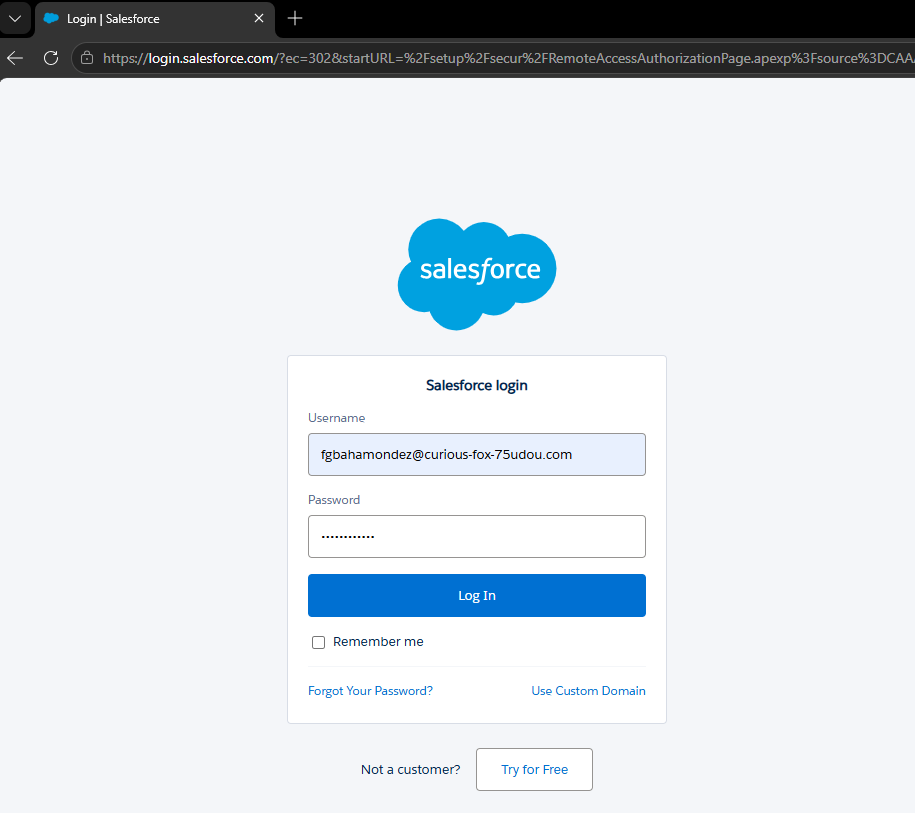
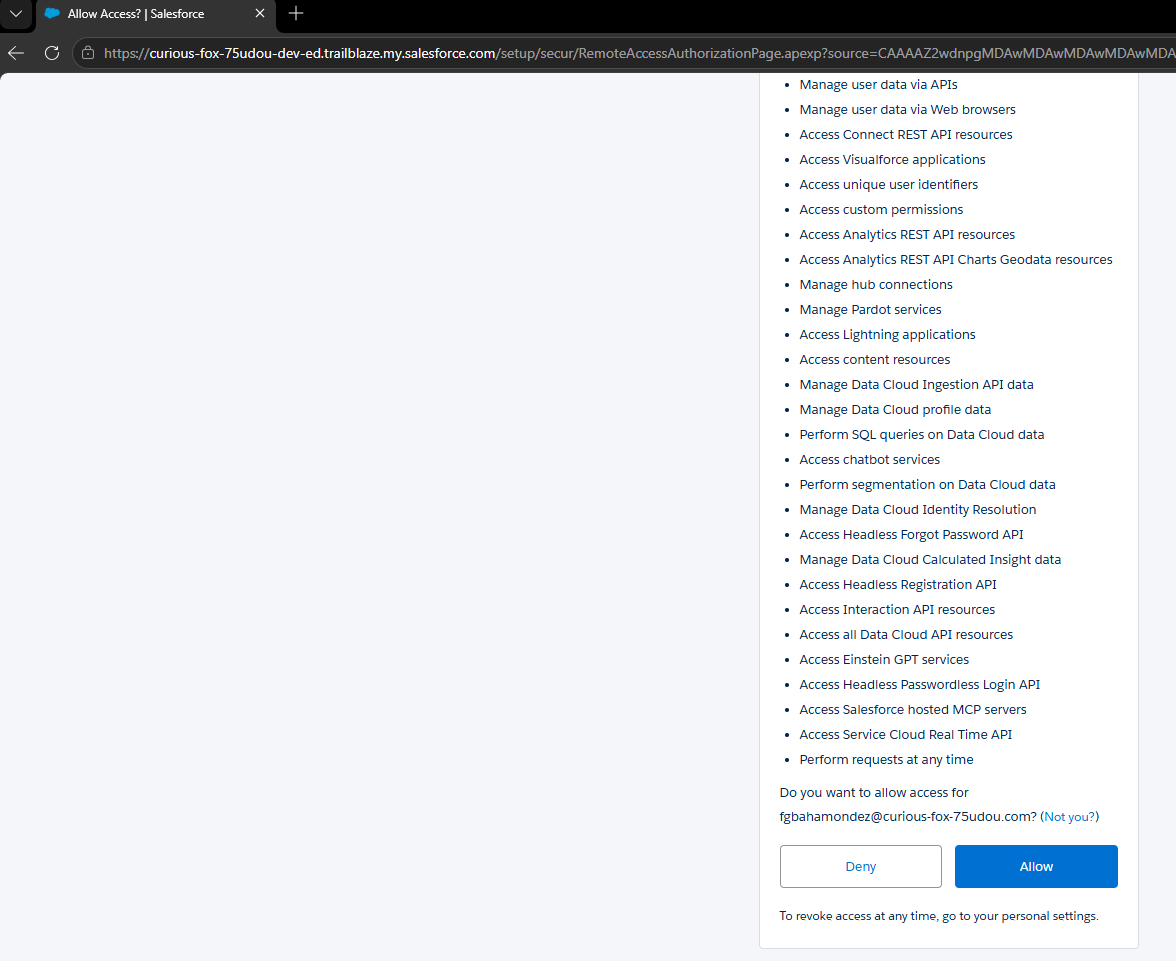
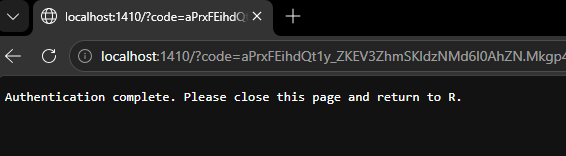
## List of 4
##  $ auth_method : chr "OAuth"
##  $ token       : chr "Token Oculto por Seguridad"
##  $ session_id  : NULL
##  $ instance_url: chr "https://curious-fox-75udou-dev-ed.trailblaze.my.salesforce.com"
3.1.2 Capas Metadata
Del dibujo propuesto de arquitectura, vamos a utilizar una función del Package de .
Una parte fundamental de la ingeniería inversa en Salesforce es entender qué tipos de metadatos están disponibles en la instancia. La función sf_describe_metadata() nos permite obtener esta “lista de maestros”.
## This function returns details about the organization metadata
sf_describe_metadata <- sf_describe_metadata(verbose = TRUE)
Fuente de la documentación:
https://developer.salesforce.com/docs/atlas.en-us.api_meta.meta/api_meta/meta_describemeta_result.htm

DescribeMetadataResult
Contains information about the organization that is useful for developers working with declarative metadata.
The describeMetadata() call returns a DescribeMetadataResult object.
Each DescribeMetadataResult object has the following properties:
| Name | Type | Description |
|---|---|---|
| metadataObjects | DescribeMetadataObject[] | One or more metadata components and their attributes. |
| organizationNamespace | string | The namespace of the organization. Specify only for Developer Edition organizations that can contain a managed package. The managed package has a namespace specified when it is created. |
| partialSaveAllowed | boolean | Indicates whether rollbackOnError is allowed (true) or not (false). This value is always :
|
| testRequired | boolean | Indicates whether tests are required (true) or not (false). This value is always the opposite of partialSaveAllowed. |
DescribeMetadataObject
This object is returned as part of the DescribeMetadataResult. Each DescribeMetadataObject has the following properties:
| Name | Type | Description |
|---|---|---|
| childXmlNames | string[] | List of child sub-components for this component. |
| directoryName | string | The name of the directory in the .zip file that contains this component. |
| inFolder | boolean | Indicates whether the component is in a folder (true) or not (false). For example, documents, email templates and reports are stored in folders. |
| metaFile | boolean | Indicates whether the component requires an accompanying metadata file. For example, documents, classes, and s-controls are components that require an additional metadata file. |
| suffix | string | The file suffix for this component. |
| xmlName | string | The name of the root element in the metadata file for this component. This name also appears in the Packages > types > name field in the manifest file package.xml. |
# Obtenemos y aplanamos los metadatos
sf_metadata <- sf_describe_metadata(verbose = TRUE) %>%
  unnest(metadataObjects)

# Visualizamos las primeras filas
head(sf_metadata)
# Mostramos toda la tabla de forma interactiva (10 filas por página, con filtros)
datatable(df_render,
rownames = FALSE,
filter = 'top',
options = list(
pageLength = 5,
autoWidth = TRUE,
scrollX = TRUE
),
caption = "Tipos de metadatos encontrados en la Org")que significa que un xmlName tenga childXmlNames? | childXmlNames | string[] | List of child sub-components for this component. |
3.2 ApexClass
Las clases Apex, contienen el motor y lógicas de Salesforce.
### ApexClass
## --- Armamos queries para hacer el llamado
metada_query_ApexClass <- list(
    list(type = 'ApexClass')
)

## --- Realizamos llamado para extraer la metadata
metada_list_ApexClass <- sf_list_metadata(
    queries = metada_query_ApexClass
)
# 2. Guardamos el data frame en la carpeta data
saveRDS(metada_list_ApexClass, "data/sf_metadata_ApexClass.rds")library(DT)
# Leemos el archivo previamente guardado de forma local
df_ApexClass <- readRDS("data/sf_metadata_ApexClass.rds")
# Mostramos la tabla interactiva
datatable(df_ApexClass,
rownames = FALSE,
filter = 'top',
options = list(
pageLength = 10,
autoWidth = TRUE,
scrollX = TRUE
),
caption = "Listado de ApexClass")Mostrar el visor de código para ver las clases aquí mismo:
3.3 lwc
- Primero se realizó una carga de los Recipe de LWC de salesforce a la playgroun: fuente: https://github.com/trailheadapps/lwc-recipes
En donde abordaremos que ocurre en la instalación de estos componentes:
### LightningComponentBundle
## --- Armamos queries para hacer el llamado
metada_query_LightningComponentBundle <- list(
    list(type = 'LightningComponentBundle')
)

## --- Realizamos llamado para extraer la metadata
metada_list_LightningComponentBundle <- sf_list_metadata(
    queries = metada_query_LightningComponentBundle
)
# 2. Guardamos el data frame en la carpeta data
saveRDS(metada_list_LightningComponentBundle, "data/sf_metadata_lwc.rds")library(DT)
# Leemos el archivo previamente guardado de forma local
df_lwc <- readRDS("data/sf_metadata_lwc.rds")
# Mostramos la tabla interactiva
datatable(df_lwc,
rownames = FALSE,
filter = 'top',
options = list(
pageLength = 10,
autoWidth = TRUE,
scrollX = TRUE
),
caption = "Listado de Lightning Component Bundles (LWC)")